
Incident details and support records live in separate tools
iSwiit Incident Bundle
Three connected workflows. One flexible bundle.
The iSwiit Incident Bundle brings Incident Monitor, DAEP Monitor, and Wellness Connect together for K-12 teams. Document concerns, coordinate placement when needed, and keep student support visible on one platform.
- Review anonymous reports and document incident decisions.
- Manage DAEP referrals, approvals, placement, and reentry.
- Track wellness checks, counseling, and student follow-up.

3 Modules
Response, Placement & Support
1 Platform
Connected Student Context
Flexible
Start With Your Priorities
Connect Incident Response and Student Support
An incident may involve an investigation, a placement decision, and ongoing student support. Bring those records closer together so teams can coordinate the right next step.
Common Challenges
Placement approvals and reentry handoffs lose momentum
Counseling follow-up is hard to connect to an incident
Teams rebuild documentation for reviews and reporting
Sensitive records need clear access boundaries
Our Solutions
Connect authorized student context across three modules
Use staged DAEP workflows from referral to campus return
Link relevant Wellness checks to incident counseling records
Keep supporting files, case history, and reports organized
Configure access by role, module, and campus
Three Modules, One Connected Response and Support Strategy
Each module has a distinct role. Together, they connect incident documentation, placement coordination, and wellness follow-up while keeping the right staff in control.
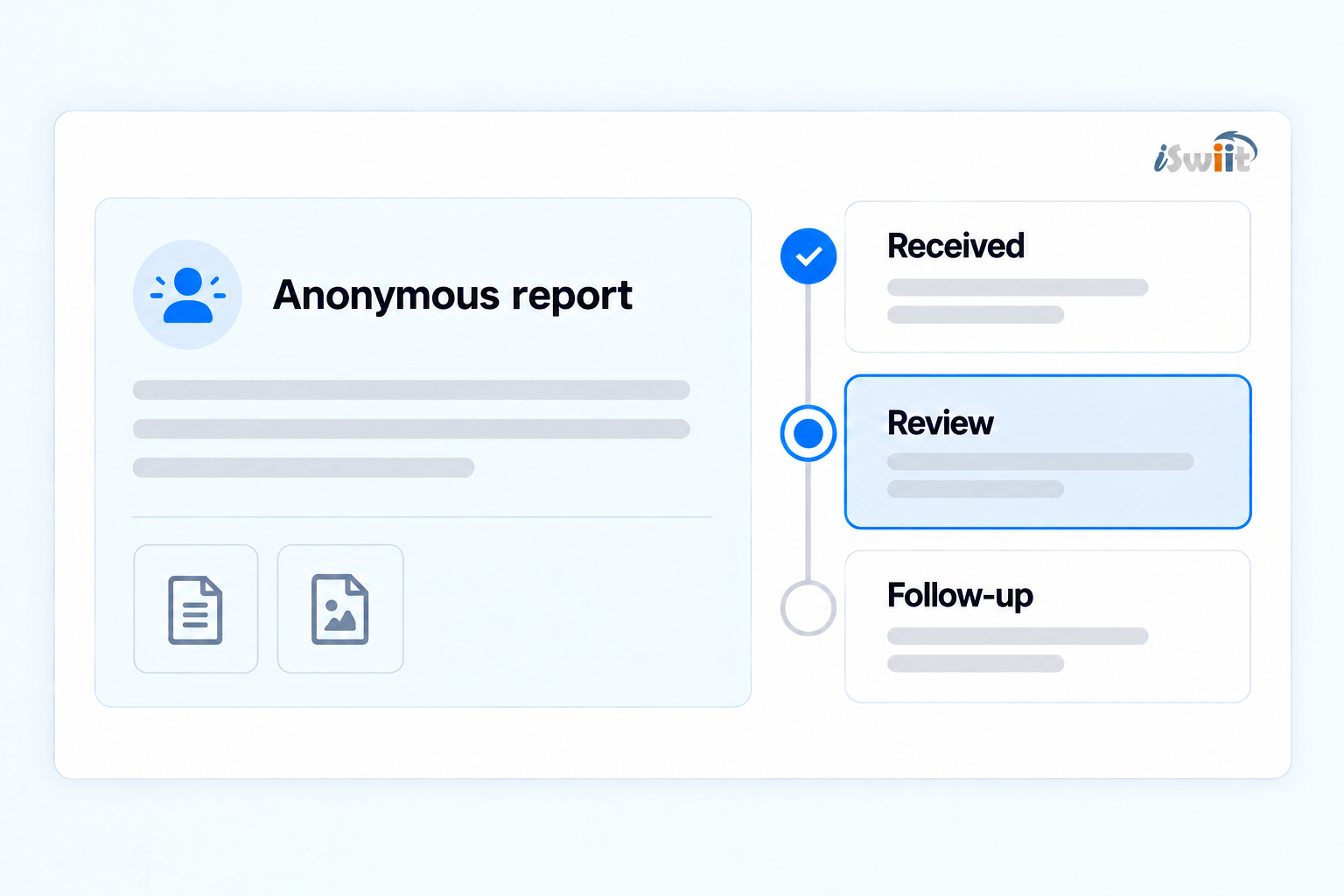
Incident response
Incident Monitor
Review reports, document investigations, and connect relevant placement and counseling records.
- Anonymous reporting and staff review
- Investigations, contacts, and evidence
- Linked DAEP actions and Wellness checks
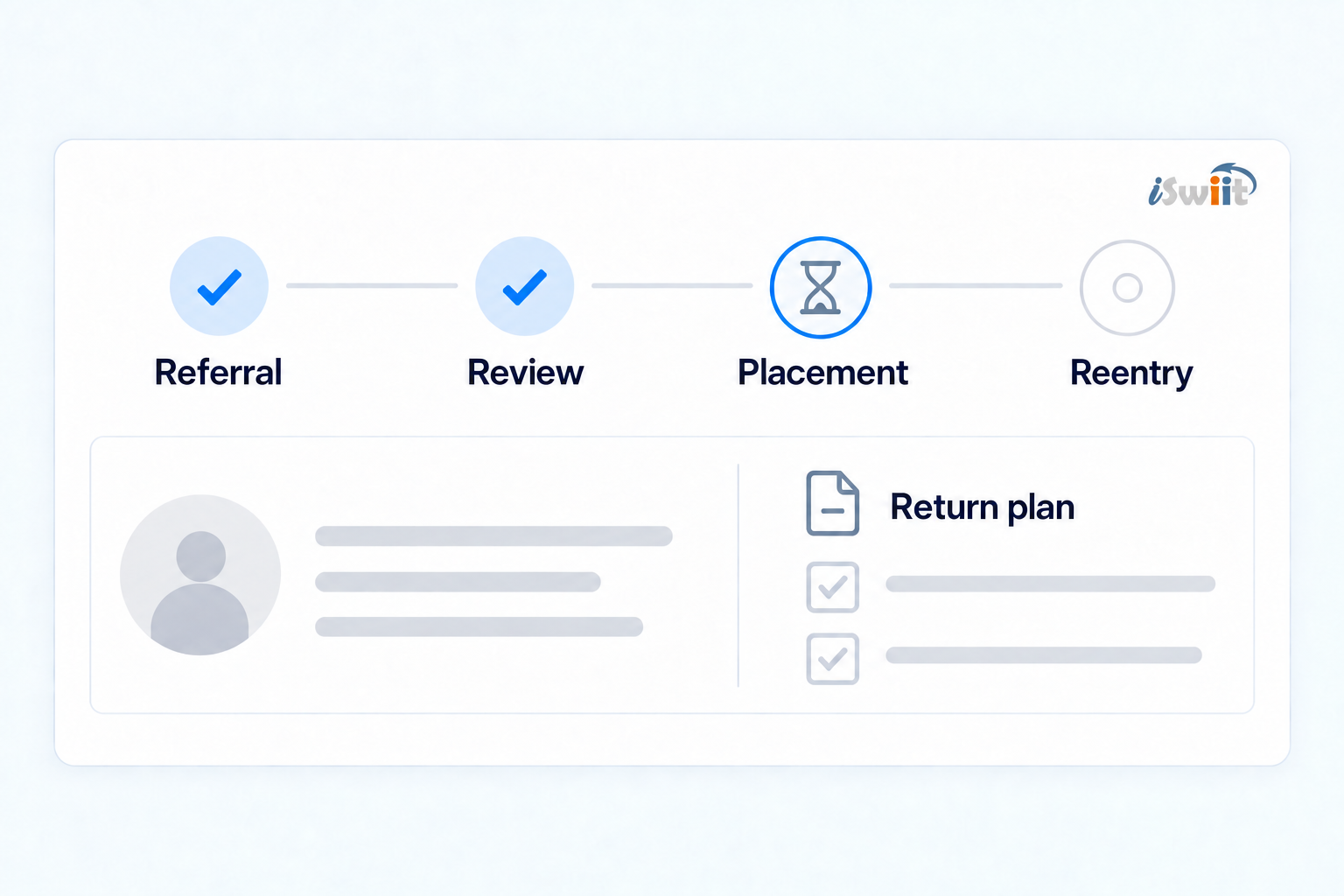
Placement & reentry
DAEP Monitor
Guide referrals, approvals, and DAEP placement through to a documented return to the home campus.
- Approvals, hearings, and placement
- Program indicators and required records
- Reentry plans, meetings, and follow-up
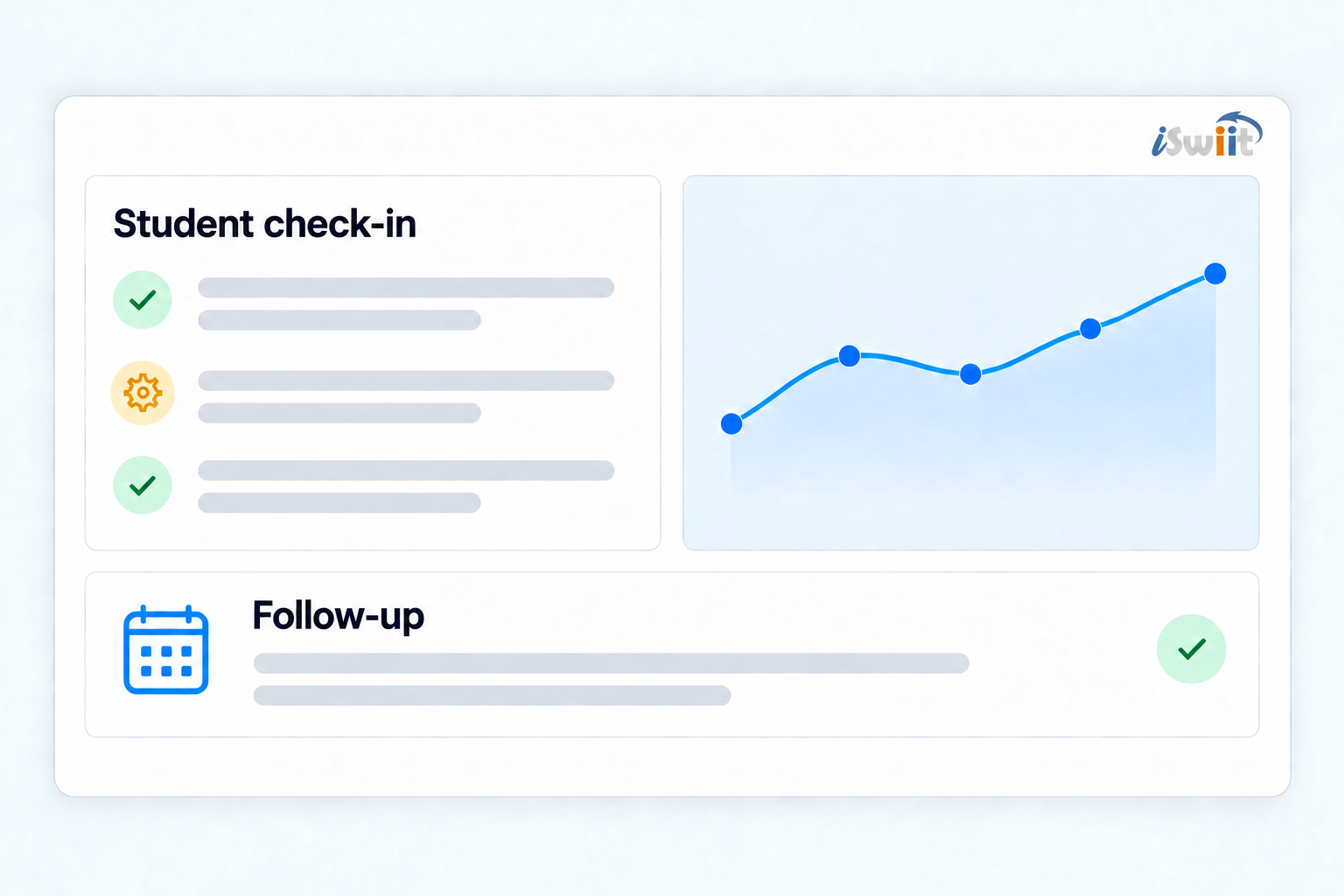
Student support
Wellness Connect
Turn wellness checks and counseling into documented support with clear next steps and follow-up.
- Structured wellness checks and scoring
- Individual and group counseling records
- Student trends and follow-up tracking
Connect the Right Records at the Right Moment
Keep each workflow in its own module while connecting relevant student records for the work that follows.
Review the Concern
Anonymous submissions enter staff review. Record the investigation, parent contacts, and evidence in Incident Monitor.
Coordinate Placement
Link a matching DAEP case to the incident's discipline action. Manage approvals, placement, and reentry in DAEP Monitor.
Keep Support in View
Link saved Wellness checks to incident counseling records. Document ongoing check-ins and counseling in Wellness Connect.
One iSwiit Foundation Across the Bundle
The modules share one platform. Available records and tools depend on the workflow, enabled modules, and staff permissions.
Unified Records
Review incident, DAEP, and wellness records within your authorized scope.
Role-Based Access
Configure permissions by role, module, and assigned responsibility.
Campus Visibility
Give district and campus teams visibility within their campus scope.
Communications & Documents
Keep parent contacts, meetings, and files with the relevant workflow.
Dashboards & Reports
Review module dashboards, case summaries, and reporting exports.
Time-Stamped History
Review documented actions and updates in case and activity history.
Built for the Teams Who Respond and Support
Give each authorized role the context needed to document decisions, coordinate transitions, and keep student support moving.
Campus Administrator
Review concerns, document decisions, and coordinate placement and campus return.
Incident Assessment Team
Keep investigations, evidence, parent contacts, and documented next steps organized.
DAEP Coordinator
Move referrals, approvals, hearings, placement, and reintegration through a clear process.
Counselor
Document wellness checks, counseling, and follow-up with relevant student context.
District Student Services Leader
Review incident activity, placement progress, and student support trends across campuses.
Technology & Data Team
Support student data alignment, module permissions, campus access, and district rollout.
Configurable Access for Sensitive Student Records
Incident investigations, DAEP placements, and wellness records need carefully managed access. Configure roles, module permissions, and campus scope so authorized staff can review relevant records.
- Role-based access for authorized users
- Module permissions and campus scope
- Connected records within assigned access
- Time-stamped history for key actions
- District-controlled rollout and review
Frequently Asked Questions
Answers to common questions about launching the iSwiit Incident Bundle.
The Incident Bundle brings together Incident Monitor for incident response and investigation, DAEP Monitor for placement and reentry, and Wellness Connect for wellness checks, counseling, and follow-up.
Incident Monitor can link a matching DAEP record to a discipline action and a saved Wellness check to counseling documentation. Unified Records provides relevant student history across enabled modules for authorized staff. Each module retains its own workflow.
No. Staff review the concern and document the appropriate response. A DAEP record can be linked when a placement is relevant. Wellness checks and counseling can also be documented independently of a placement.
Your district can start with the workflow it needs most, combine two modules, or plan a full three-module rollout. Quatrain can help you choose the combination and implementation sequence that fits your team.
Access depends on which modules are enabled and the staff member's module permissions and campus scope. Linking a record does not remove those access controls.
Yes. Districts can expand on the same iSwiit platform as their needs evolve and coordinate implementation with Quatrain.
Ready to Build Your Incident Bundle?
See how Incident Monitor, DAEP Monitor, and Wellness Connect can help your district coordinate incident response, placement, and student support.
Schedule a 15-Minute Demo